Section Universe
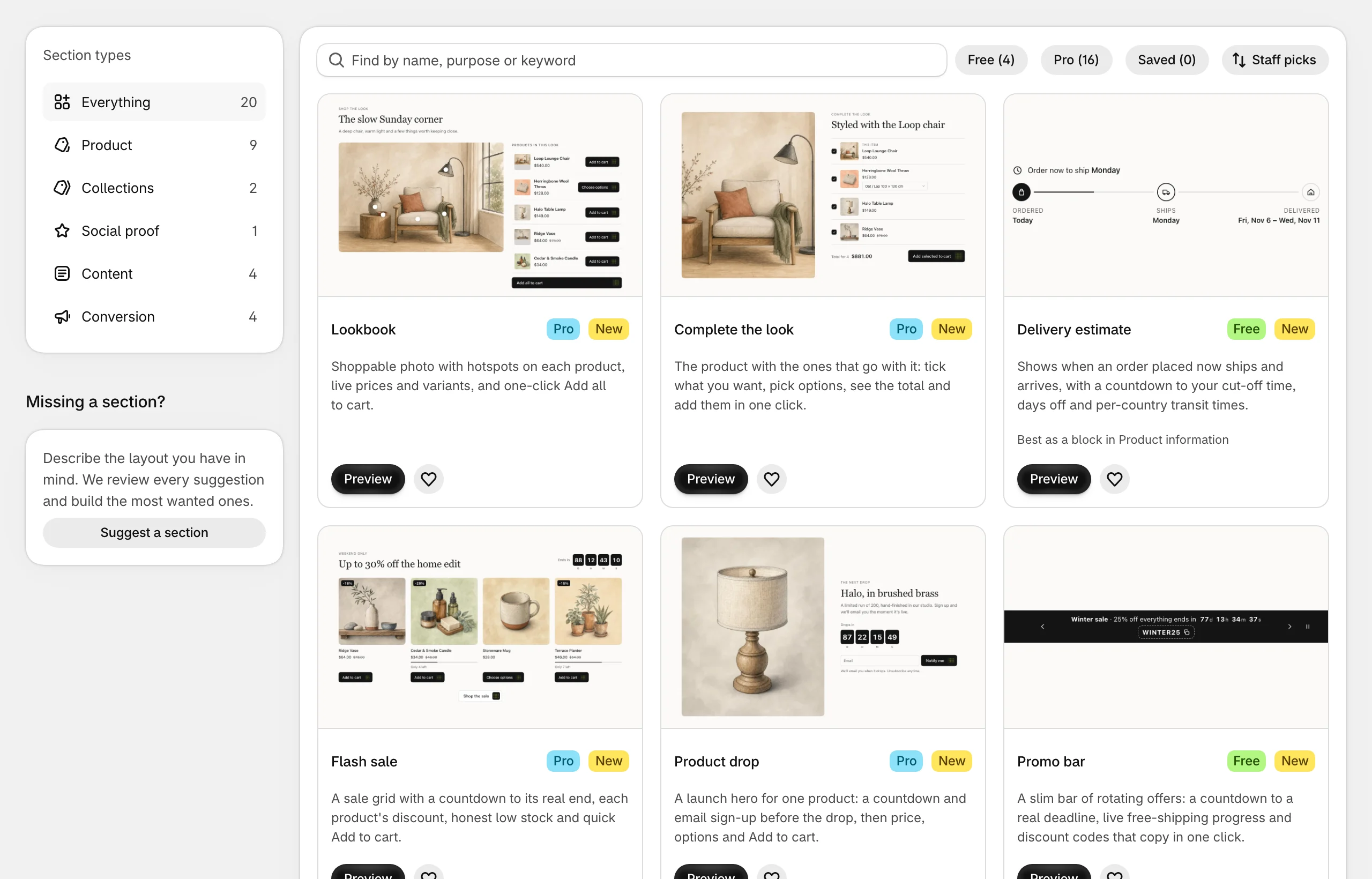
Section Universe adds ready-made sections to your Shopify theme: a sale grid with a real countdown, a size guide with a fit finder, a bundle builder, a store locator and more. Each one is installed into your theme as a native section, so you add, move and set it up in the theme editor like your theme’s own sections, and it picks up your theme’s fonts, buttons and colors.
How it works
- Pick a section on the app’s Sections page and try it on desktop and mobile with sample content.
- Install it into a theme. Nothing changes on your storefront yet.
- Add it in the theme editor, fill in your own images, text and products, and save.
Last updated on