Update or remove a section
Updates
When a section has a new version, Installed shows Update available and an Update to … button for each theme that has it. Updating replaces the section’s files in that theme. Your content and settings stay: they’re saved in your theme’s pages, not in the section’s files. Each section’s changelog says what changed.
Section files are replaced when you update or reinstall, so changes made to their code by hand are lost. Use the section’s settings, or the custom colors in Settings every section has, instead.
Take a section off a page
In the theme editor, select the section and choose Remove section, then Save. It stays installed, ready to add again.
Delete a section from a theme
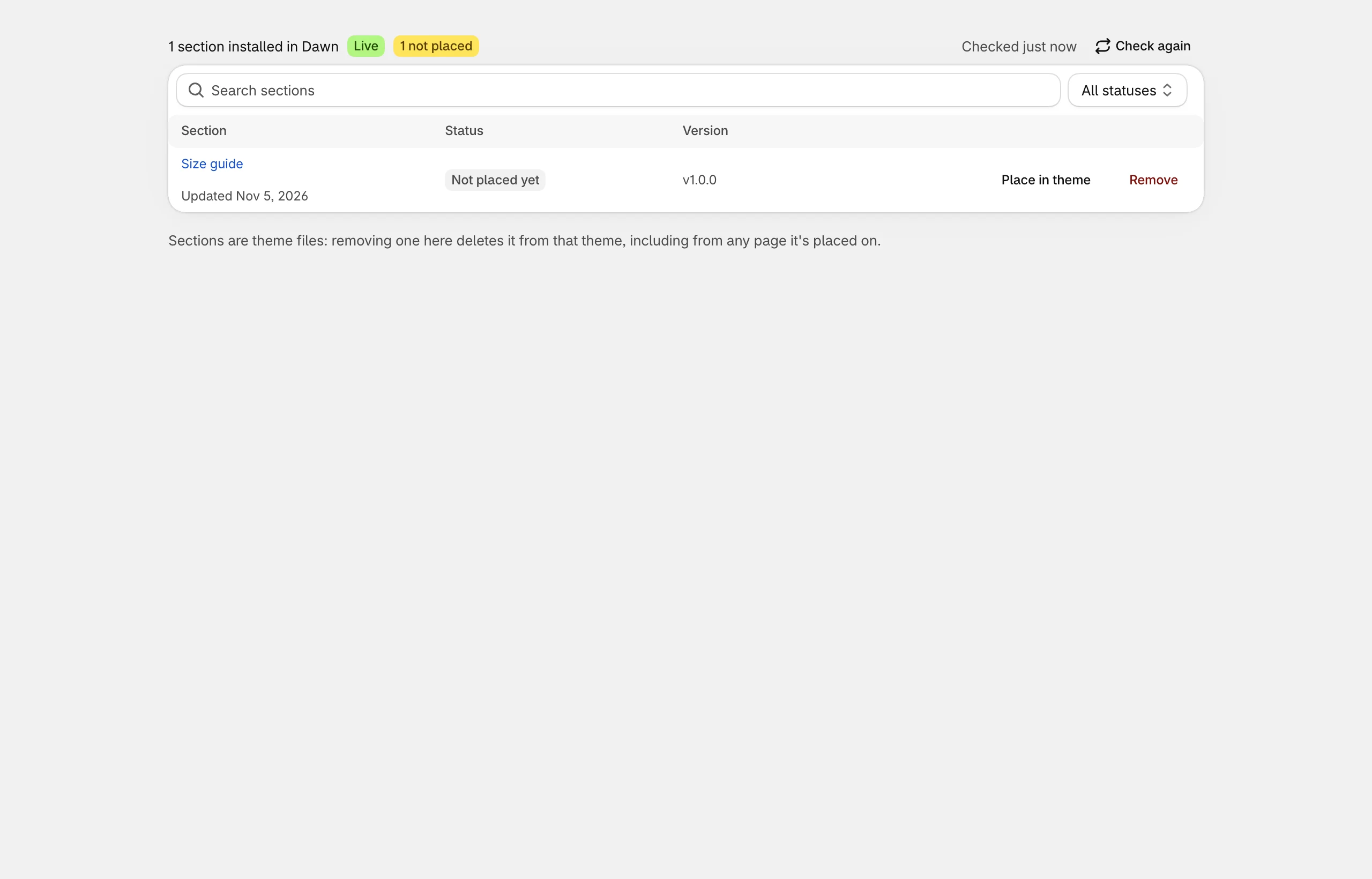
In Installed, choose Remove next to the section and confirm. This deletes its files from that theme, including from every page it’s placed on. Shared files other installed sections still use are kept.