Size guide
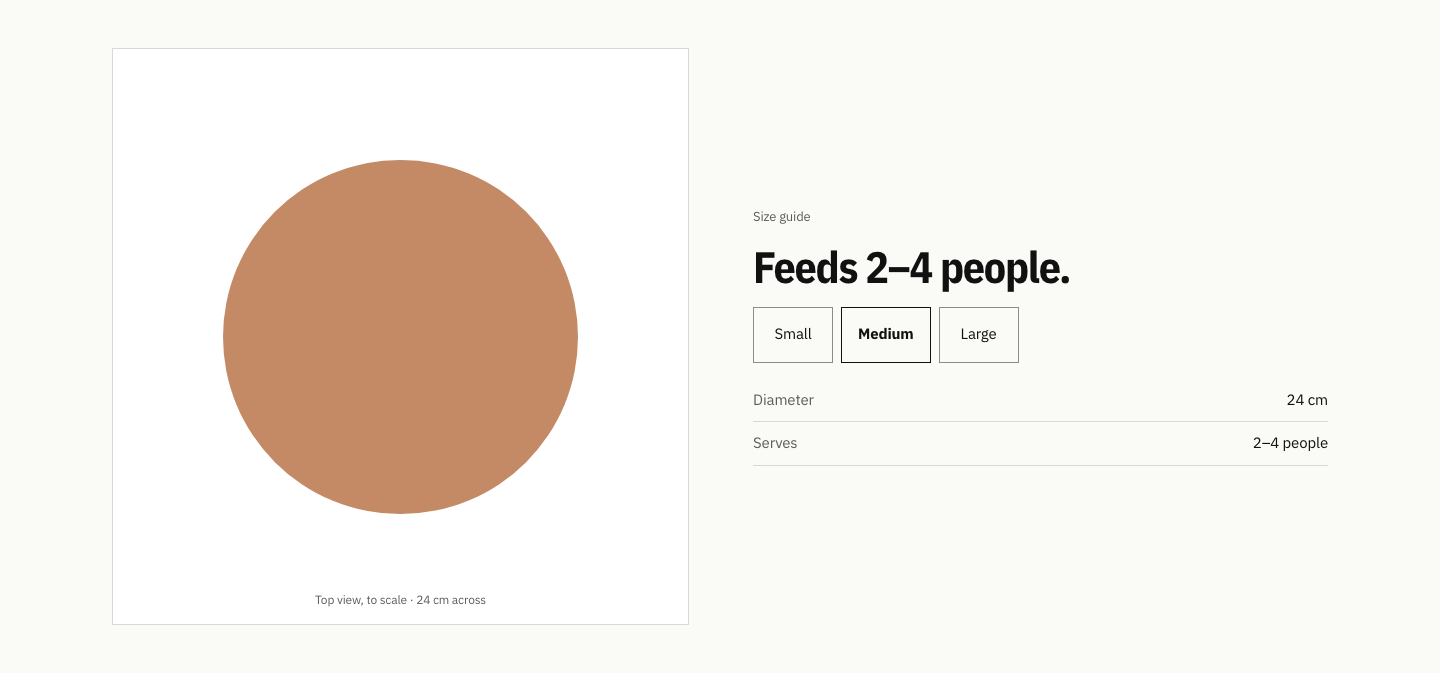
A size guide that draws each product size as a circle to scale, with who it serves and an add to bag button for that size.
Where: Any template (Add section)
File: sections/capacity-guide.liquid
Section settings
| Setting | Type | Options | Default | Notes |
|---|---|---|---|---|
| Product | Product | |||
| Eyebrow when no product is selected | Text | Size guide | ||
| Heading before a size is selected | Text (bold, italic, links) | Find the right size | ||
| Largest diameter shown | Slider | 10–60cm, steps of 1 | 28cm | The circle scales against this size so sizes stay in proportion. |
| Circle color | Color | #c48a66 |
Each size must match an option value on the product, such as 5.2 L. The add button uses that variant.
| Setting | Type | Options | Default | Notes |
|---|---|---|---|---|
| Color scheme | Color scheme | Scheme 1 | ||
| Top padding | Slider | 0–160px, steps of 4 | 48px | |
| Bottom padding | Slider | 0–160px, steps of 4 | 48px |
Blocks
Size block
One size in the size guide, matched to a product option value, with its diameter and who it serves.
| Setting | Type | Options | Default | Notes |
|---|---|---|---|---|
| Option value | Text | Medium | Must match the product’s option value exactly, for example 5.2 L. | |
| Diameter in centimeters | Number | 24 | ||
| Serves | Text | 2–4 people | ||
| Details | Rich text | |||
| Select first | On / off | Off |
Presets
Add it from Add section as: Size guide.
Last updated on