Featured product
One product with its gallery and the product blocks you choose (title, price, variant picker, buy buttons and more), anywhere on the site.
Where: Any template (Add section)
File: sections/featured-product.liquid
Section settings
| Setting | Type | Options | Default | Notes |
|---|---|---|---|---|
| Product | Product | |||
| Media position on large screens | Choice | Left, Right | Left | |
| Show only the selected variant’s media | On / off | On | Each variant image starts a group that runs until the next variant image. Media before the first variant image shows for every variant. | |
| Show thumbnails on large screens | On / off | Off | ||
| Color scheme | Color scheme | Scheme 2 | ||
| Top padding | Slider | 0–160px, steps of 4 | 64px | |
| Bottom padding | Slider | 0–160px, steps of 4 | 64px | |
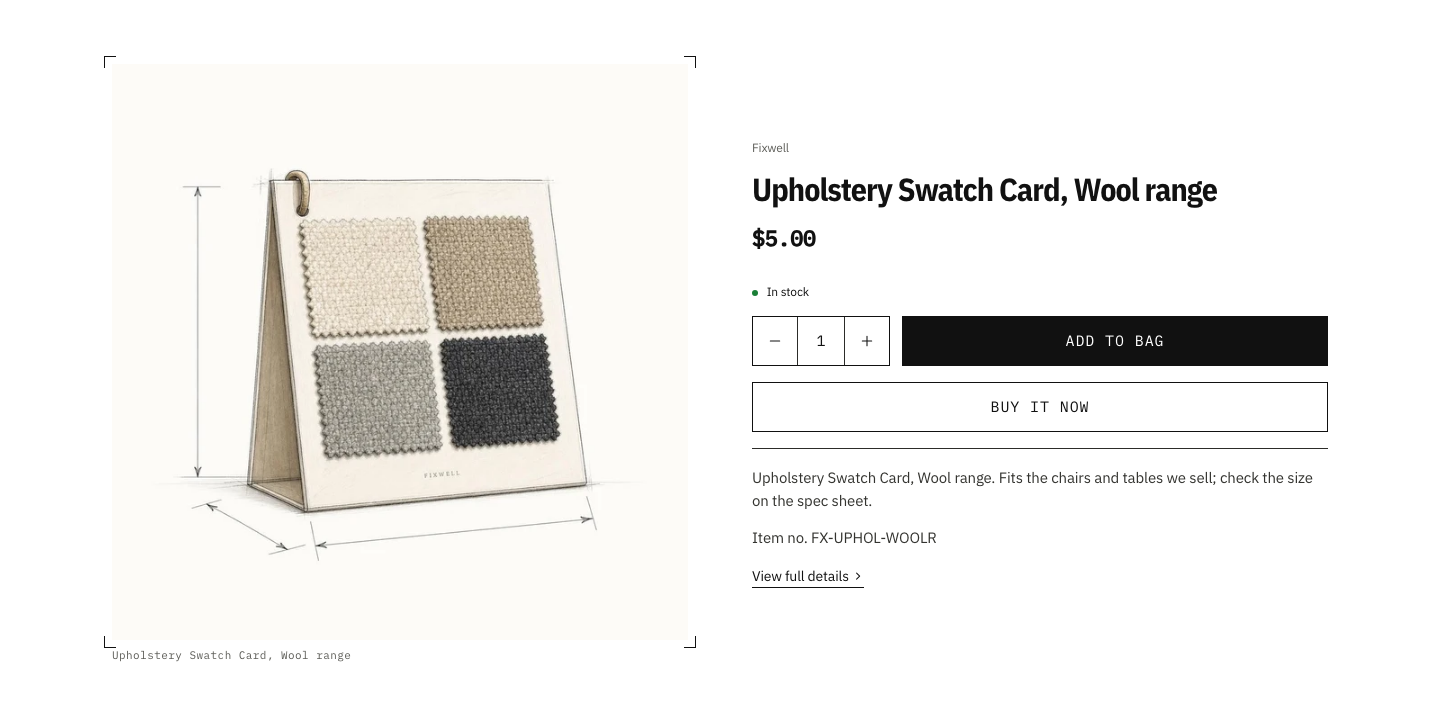
| Crop marks | On / off | On | Four corner marks and a FIG. number around the image. Needs Theme settings › Layout › Figure marks. | |
| Figure label | On / off | On | The text under the bottom-left mark. Shown when Crop marks is on. | |
| Figure text | Text | Leave empty to use the image’s alt text, or FIG. 01 when there is none. Shown when Crop marks is on and Figure label is on. |
Blocks
Shared blocks you can add here (each has its own page):
Collapsible row · Button · Buy buttons · Compare · Complementary products · Custom Liquid · Divider · Email signup · Follow on Shop · Group · Heading · Icon · Image · Menu · Numbered step · Pickup availability · Print datasheet · Below the gallery · Product card · Certifications · Delivery · Description · Dimensions · Documents · Inventory status · Product link · Product details line · Parts and accessories · Price · Rating · Specifications · Swatches · Product title · Vendor · Scale · Restock request · Review topics · Share · Size finder · Social media icons · Spacer · Specification · Table · Text · Variant matrix · Variant order list · Variant picker · Video · Volume pricing · Wholesale terms
App blocks can be added too.
Presets
Add it from Add section as: Featured product.