Newsletter popup
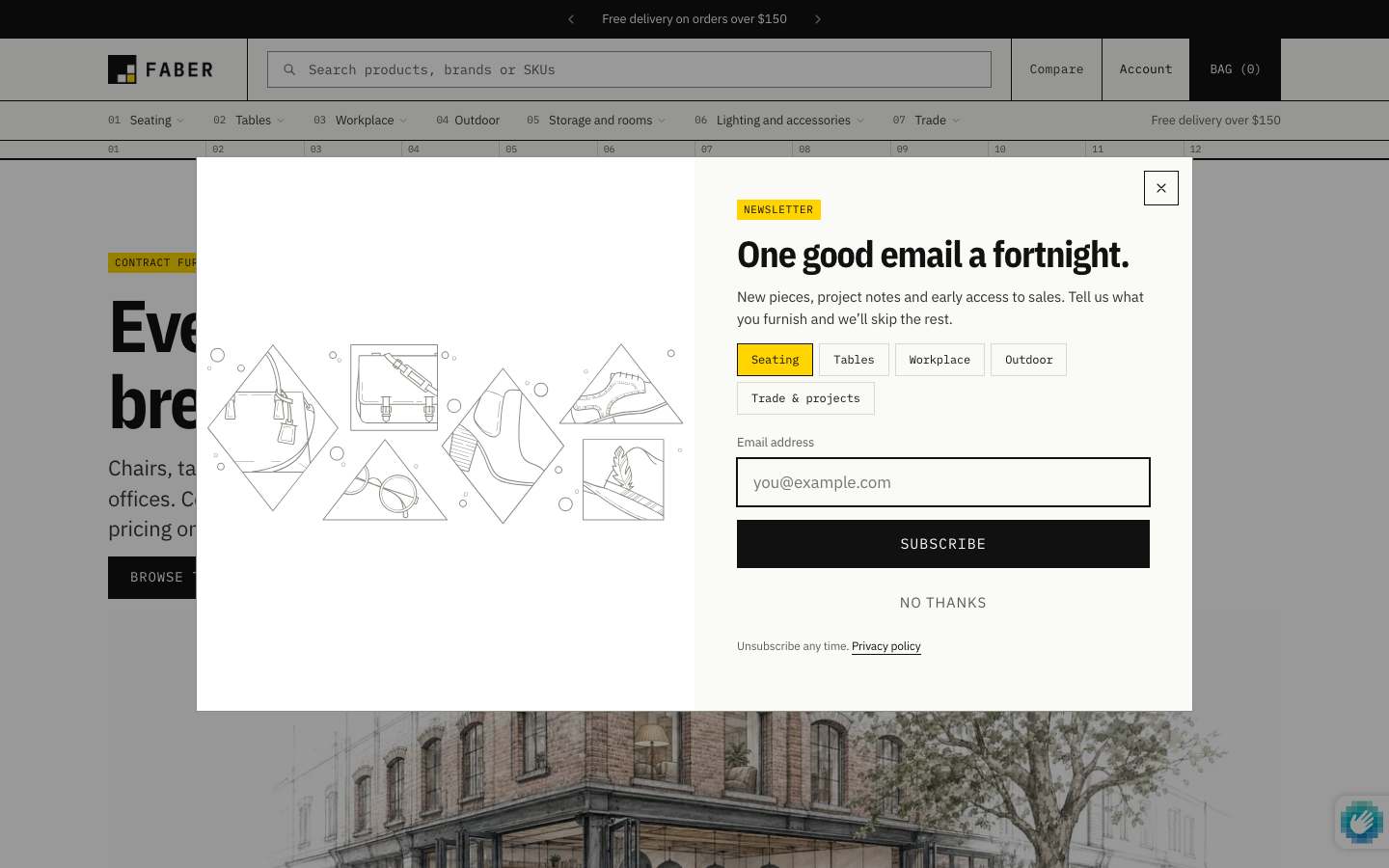
A polite newsletter signup popup that opens after the cookie choice or on engagement, with interest tags and an optional discount code.
Where: Overlays group (every page)
File: sections/newsletter-popup.liquid
Limited to 1 per page.
Section settings
| Setting | Type | Options | Default | Notes |
|---|---|---|---|---|
| Open | Choice | After cookie choice, else on scroll or exit, On scroll past half the page or exit | After cookie choice, else on scroll or exit | The popup never opens on a timer alone, so it doesn’t block visitors arriving from search. |
| Show again after | Slider | 1–30d, steps of 1 | 7d | Counted from the last time the popup appeared. Subscribers never see it again. |
| Layout | Choice | Image and form, Centered form | Image and form | |
| Image | Image | Image and form layout only. | ||
| Eyebrow | Text | Newsletter | ||
| Heading | Text | One good email a fortnight. | ||
| Text | Rich text | New pieces, project notes and early access to sales. Tell us what you furnish… | ||
| Interests | Text | Seating, Tables, Workplace, Outdoor, Trade & projects | Comma-separated. Each chosen interest is saved as a customer tag (interest-name). Leave blank to hide. | |
| Button label | Text | Subscribe | ||
| Small print | Text (bold, italic, links) | Unsubscribe any time. | ||
| Privacy link | Link | Defaults to your store’s privacy policy. |
After signing up
| Setting | Type | Options | Default | Notes |
|---|---|---|---|---|
| Heading | Text | You’re on the list. | ||
| Text | Rich text | Thanks for subscribing. Look out for our next email. | ||
| Discount code | Text | Shown with a Copy button. Create the code in Discounts first, and mention the offer in the heading. Leave blank to show no code. | ||
| Close button label | Text | Start shopping | ||
| Color scheme | Color scheme | Scheme 1 |
Presets
Add it from Add section as: Newsletter popup.
Last updated on