Form
A custom form, such as a trade application, whose answers arrive by email.
Where: Any template (Add section)
File: sections/form.liquid
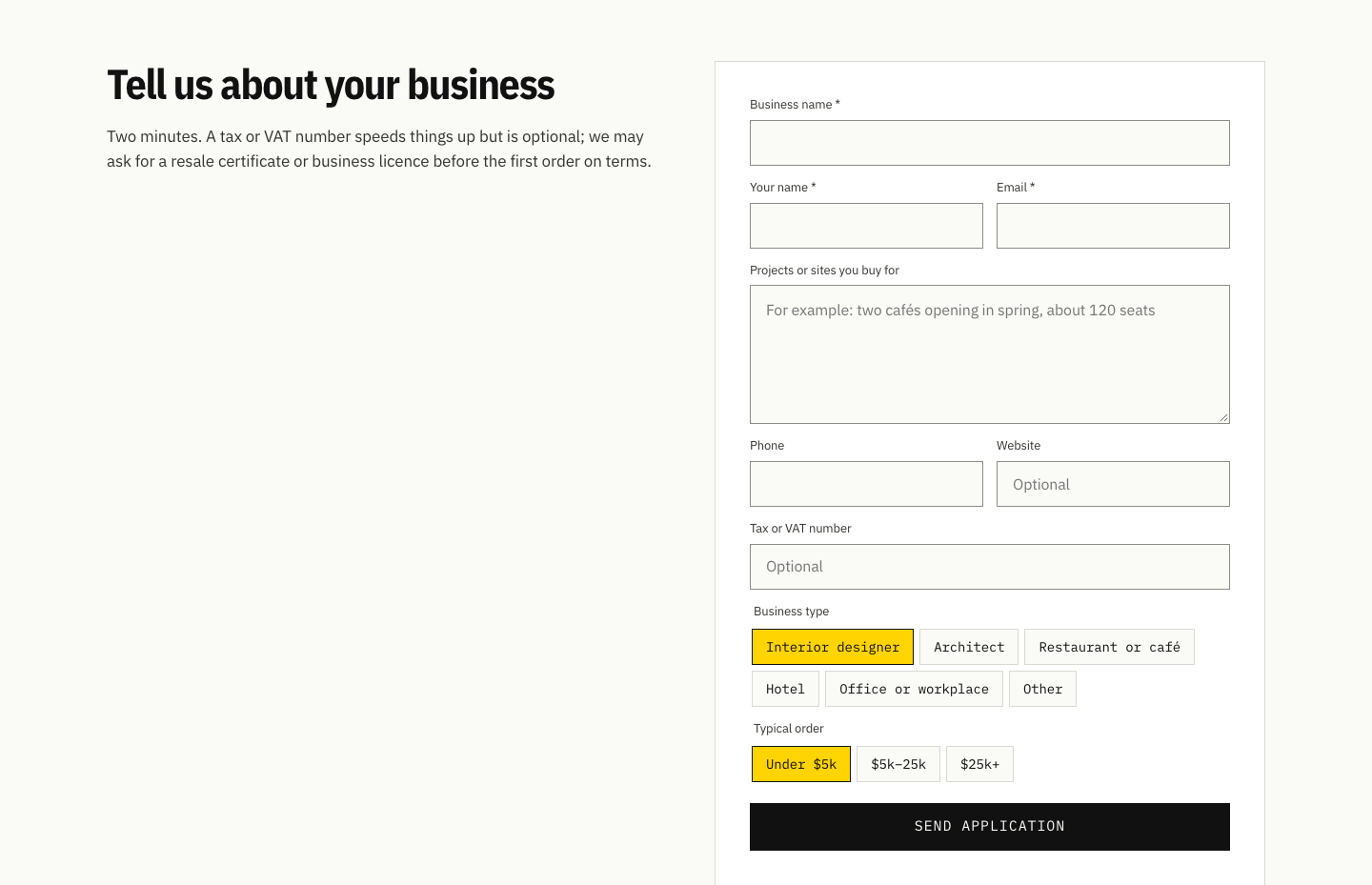
Section settings
| Setting | Type | Options | Default | Notes |
|---|---|---|---|---|
| Heading | Text (bold, italic, links) | Apply for an account | ||
| Text | Rich text | Explain who the form is for and what happens after someone submits it. | Numbered lists show as steps. | |
| Form name in emails | Text | Application | ||
| Button label | Text | Submit application | ||
| Note below the button | Text (bold, italic, links) | |||
| Success heading | Text | Application received | ||
| Success message | Text | Thanks. We’ll reply by email. | ||
| Color scheme | Color scheme | Scheme 1 | ||
| Top padding | Slider | 0–160px, steps of 4 | 88px | |
| Bottom padding | Slider | 0–160px, steps of 4 | 88px |
Blocks
Field block
A field in a custom form: text, email, phone, long text or a choice.
| Setting | Type | Options | Default | Notes |
|---|---|---|---|---|
| Label | Text | Business name | ||
| Type | Choice | Text, Email, Phone, Long text, Choice | Text | Use one Email field per form. Shopify needs it to send the message. |
| Choices | Text (several lines) | One per line. Shown when Type is Choice. | ||
| Placeholder | Text | |||
| Required | On / off | Off | ||
| Width on large screens | Choice | Full, Half | Full |
Presets
Add it from Add section as: Form.
Last updated on