Contact form
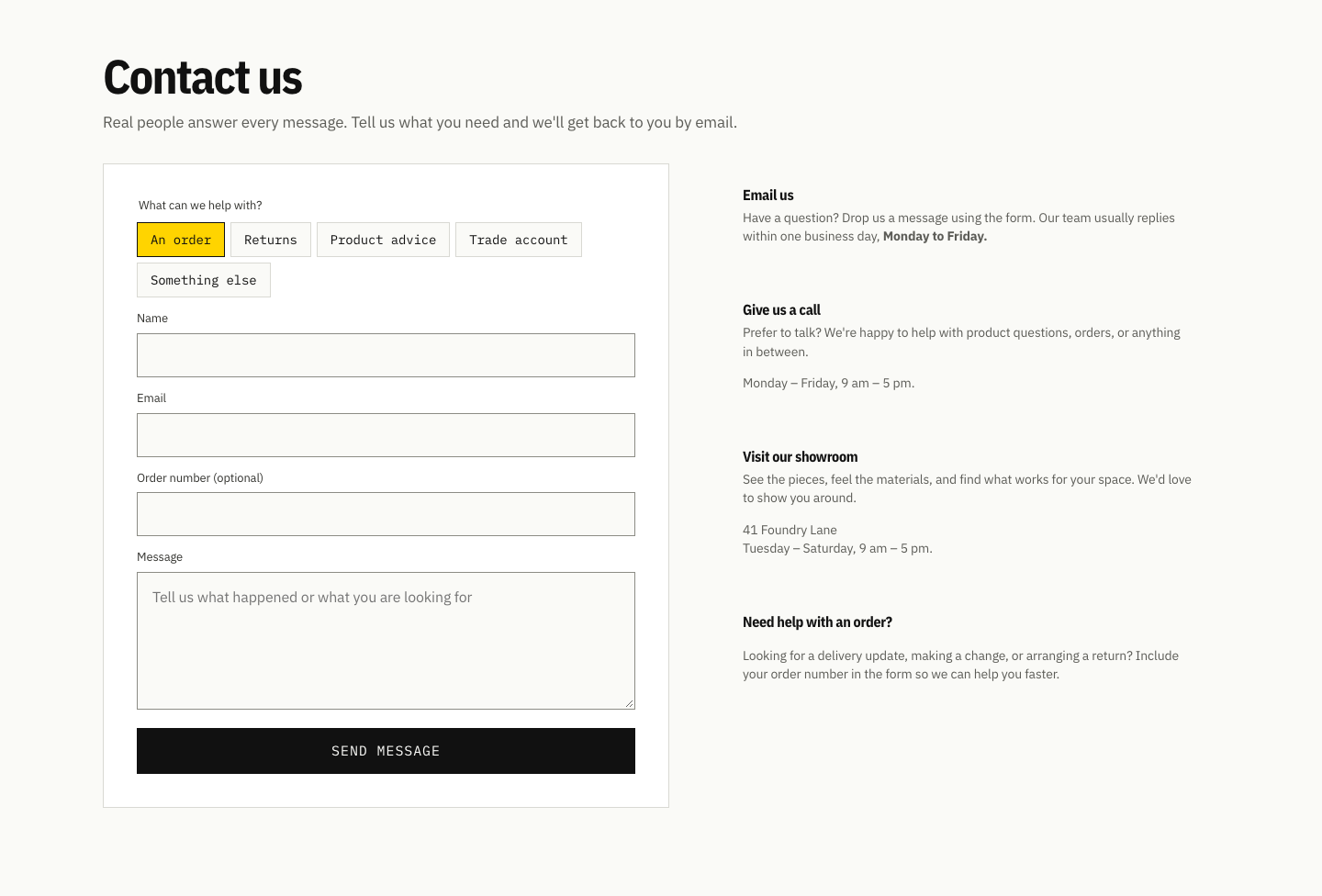
A contact form with optional topics, order number and phone fields.
Where: Any template (Add section)
File: sections/main-contact.liquid
Section settings
| Setting | Type | Options | Default | Notes |
|---|---|---|---|---|
| Heading | Text (bold, italic, links) | Contact us | ||
| Text | Rich text | |||
| Topics | Text (several lines) | An order Returns Product advice Something else | One per line. Shoppers pick one and it is included in the email you receive. Leave empty to hide. | |
| Show order number field | On / off | On | ||
| Show phone field | On / off | Off | ||
| Message after sending | Text | Thanks for getting in touch. We’ll reply by email. | ||
| Color scheme | Color scheme | Scheme 1 | ||
| Top padding | Slider | 0–160px, steps of 4 | 56px | |
| Bottom padding | Slider | 0–160px, steps of 4 | 96px |
Blocks
Shared blocks you can add here (each has its own page):
Collapsible row · Button · Buy buttons · Compare · Complementary products · Custom Liquid · Divider · Email signup · Follow on Shop · Group · Heading · Icon · Image · Menu · Numbered step · Pickup availability · Print datasheet · Below the gallery · Product card · Certifications · Delivery · Description · Dimensions · Documents · Inventory status · Product link · Product details line · Parts and accessories · Price · Rating · Specifications · Swatches · Product title · Vendor · Scale · Restock request · Review topics · Share · Size finder · Social media icons · Spacer · Specification · Table · Text · Variant matrix · Variant order list · Variant picker · Video · Volume pricing · Wholesale terms
App blocks can be added too.
Presets
Add it from Add section as: Contact form.